artistryprofessionals
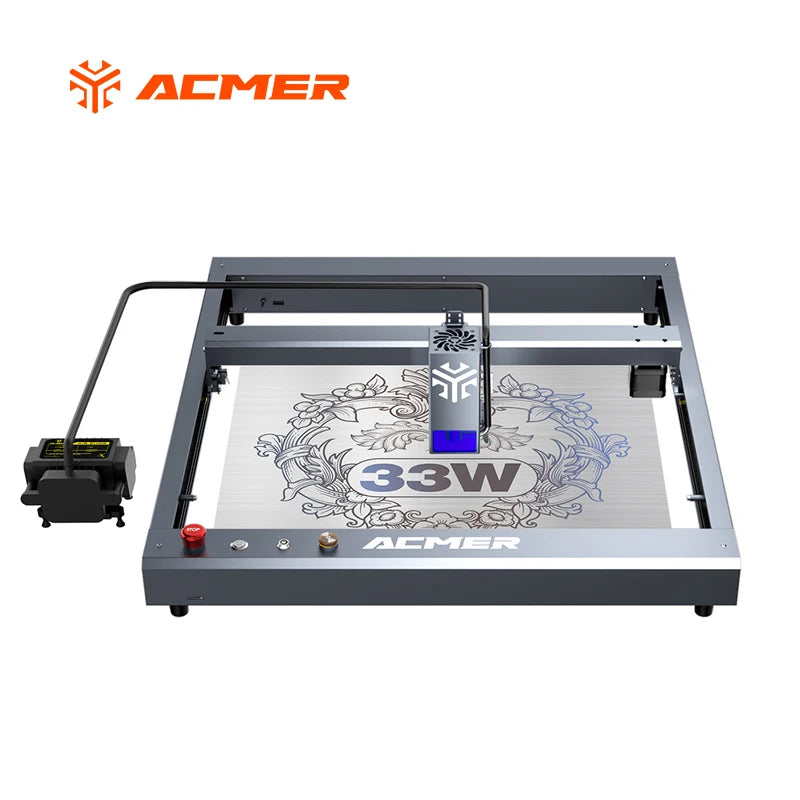
ACMER Laser Engraver P2 33W with Air Assist Industrial Rails WIFI Laser Engraving Cutting Machine Carve Glass Wood for Business
ACMER Laser Engraver P2 33W with Air Assist Industrial Rails WIFI Laser Engraving Cutting Machine Carve Glass Wood for Business
108 in stock
Couldn't load pickup availability
SPECIFICATIONS
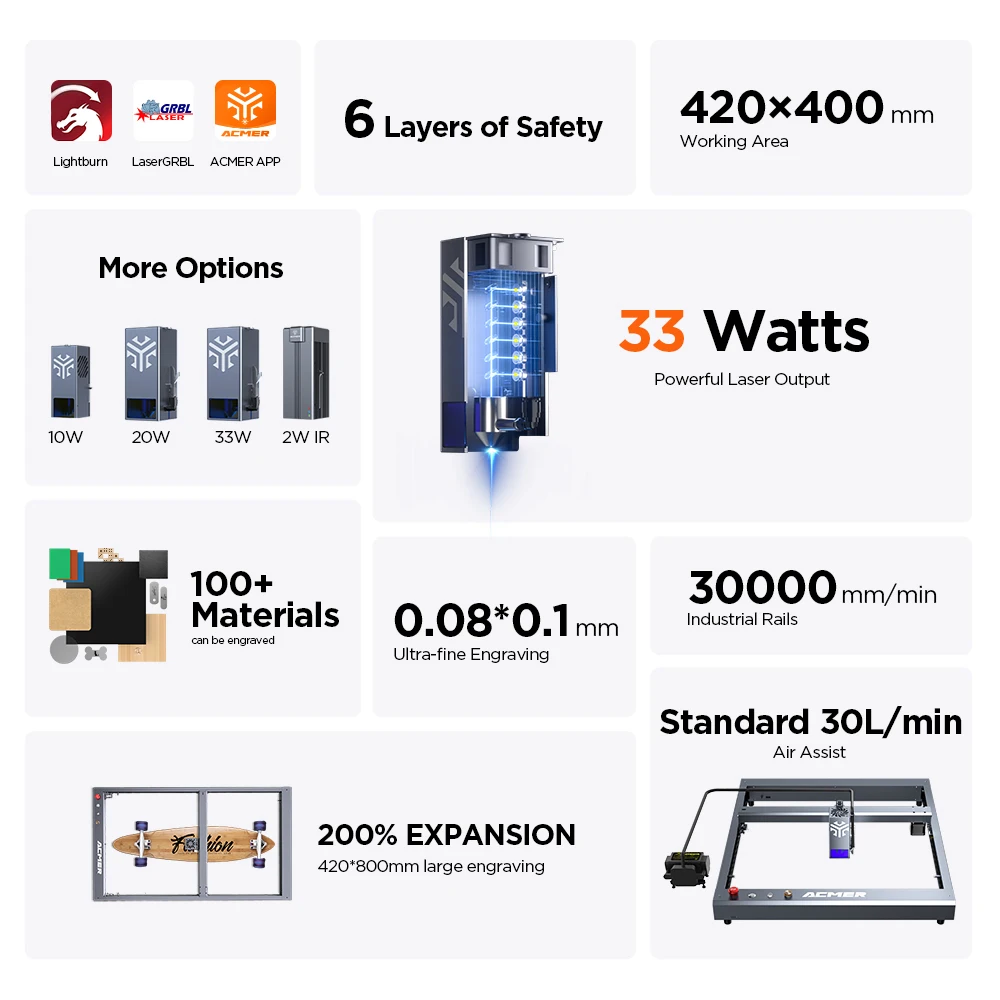
Air Assist: 30L/min
Brand Name: ACMER
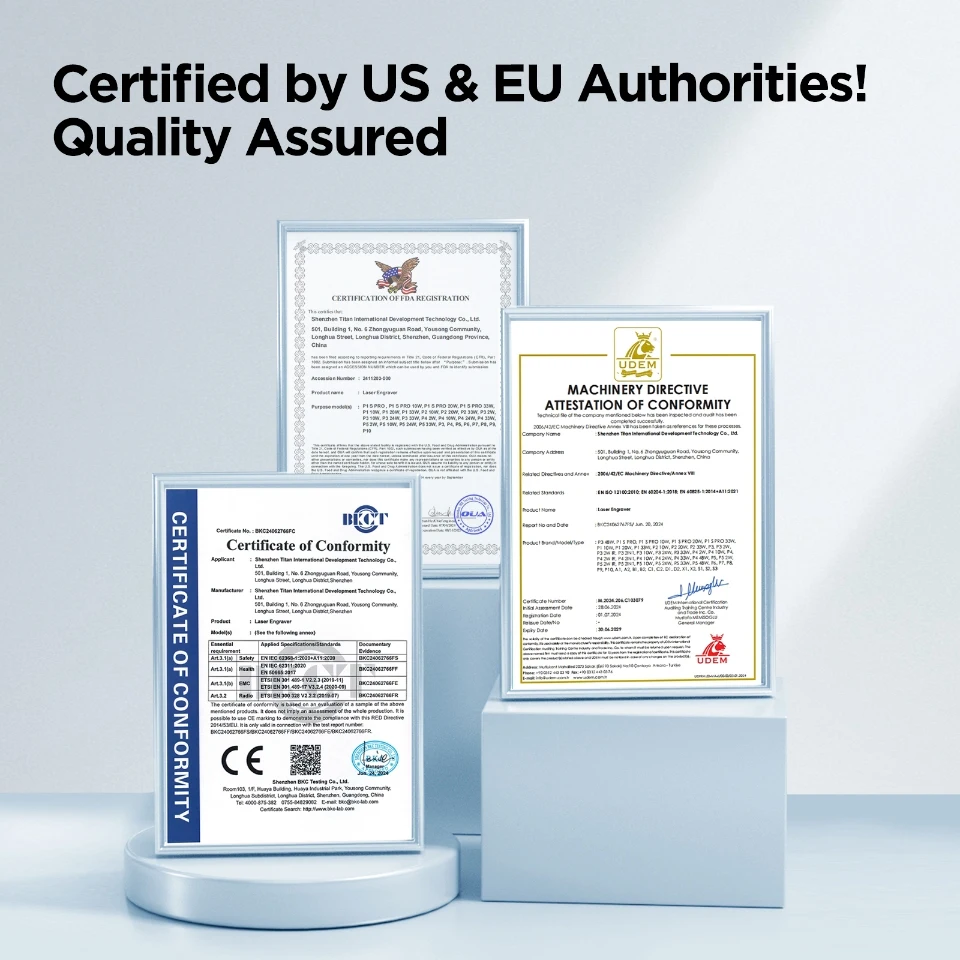
Certification: CE,ce
Communication Method: USB /APP/TF Card
Engraving Area: Other
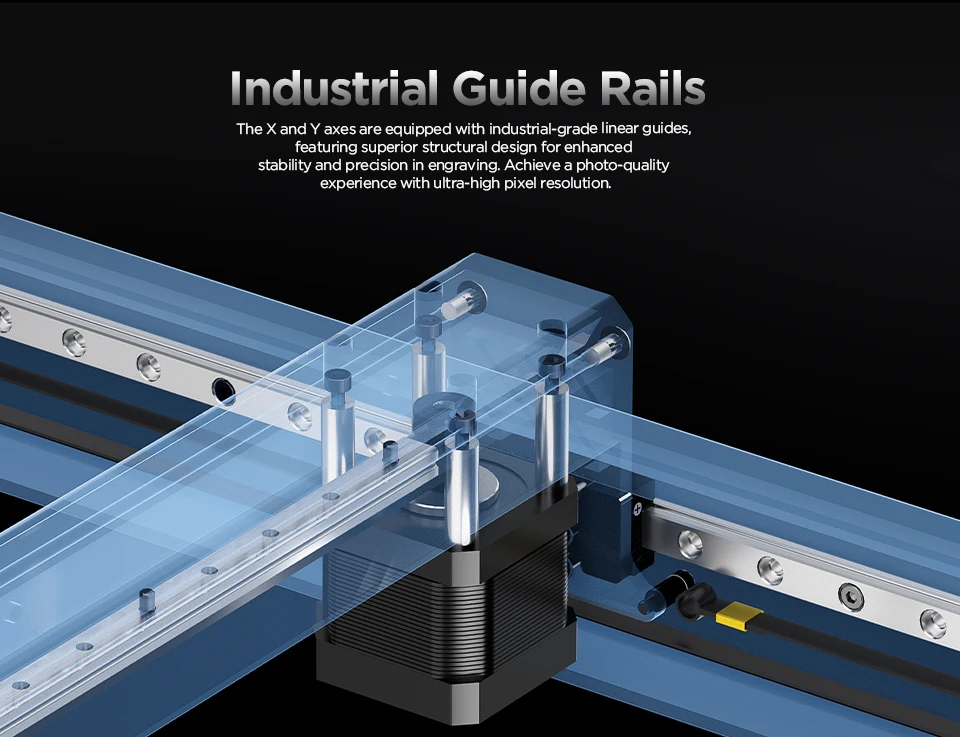
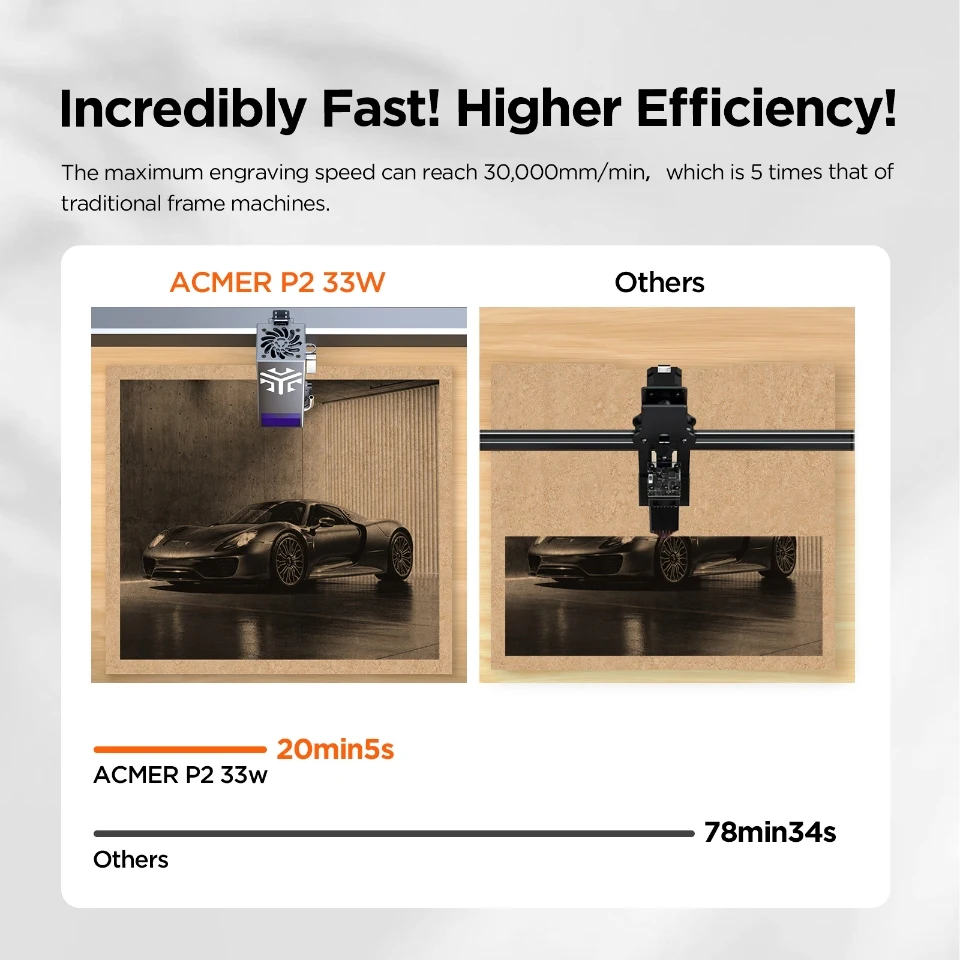
Engraving Speed: 30000mm/min
Engraving accuracy: 0.01mm
Focus length: 5mm
Function 1: Air Assistance
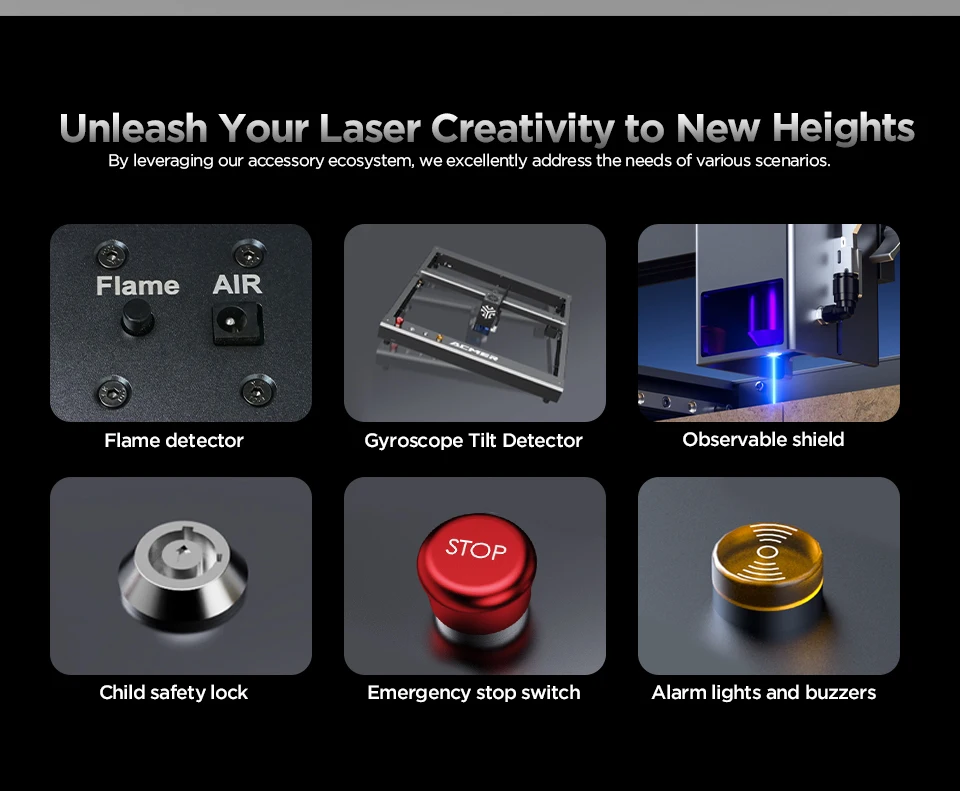
Function 2: Anti-Tilt Device
Function 3: Offline Engraving
Function 4: Emergency Stop
Function 5: Status Indicator
Function 6: WiFi Module
Hign-concerned Chemical: None
Is Smart Device: Yes
Laser Power: Other
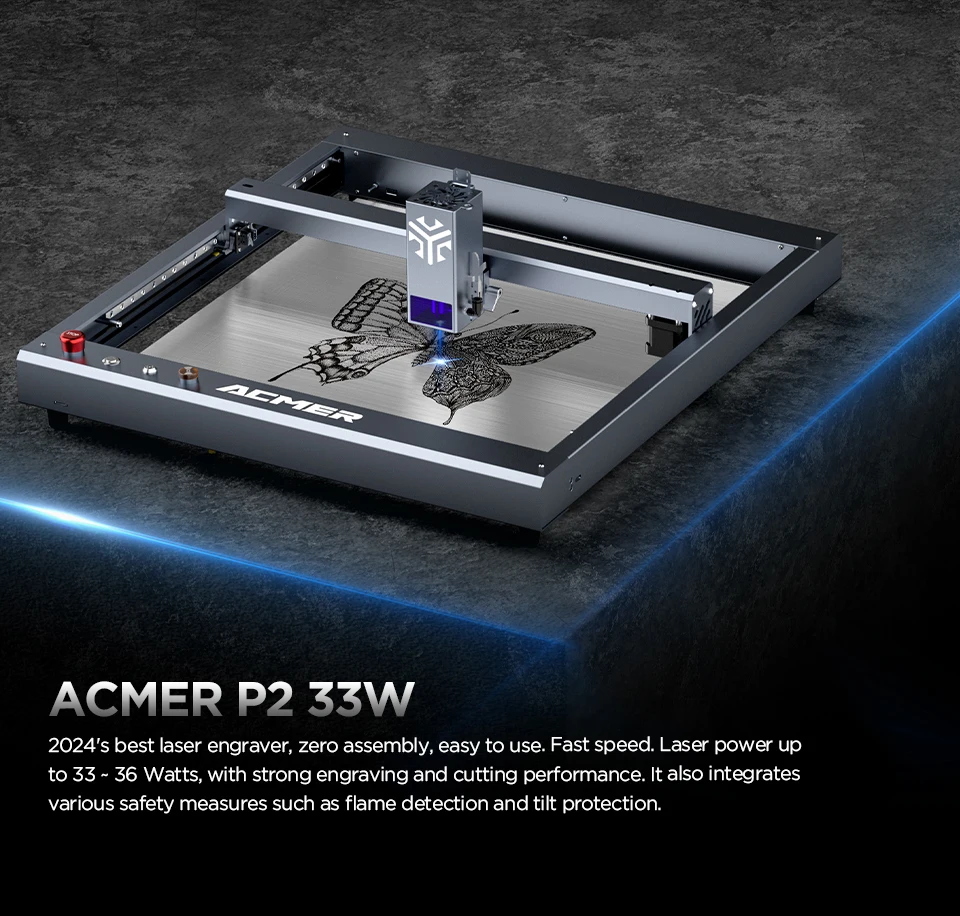
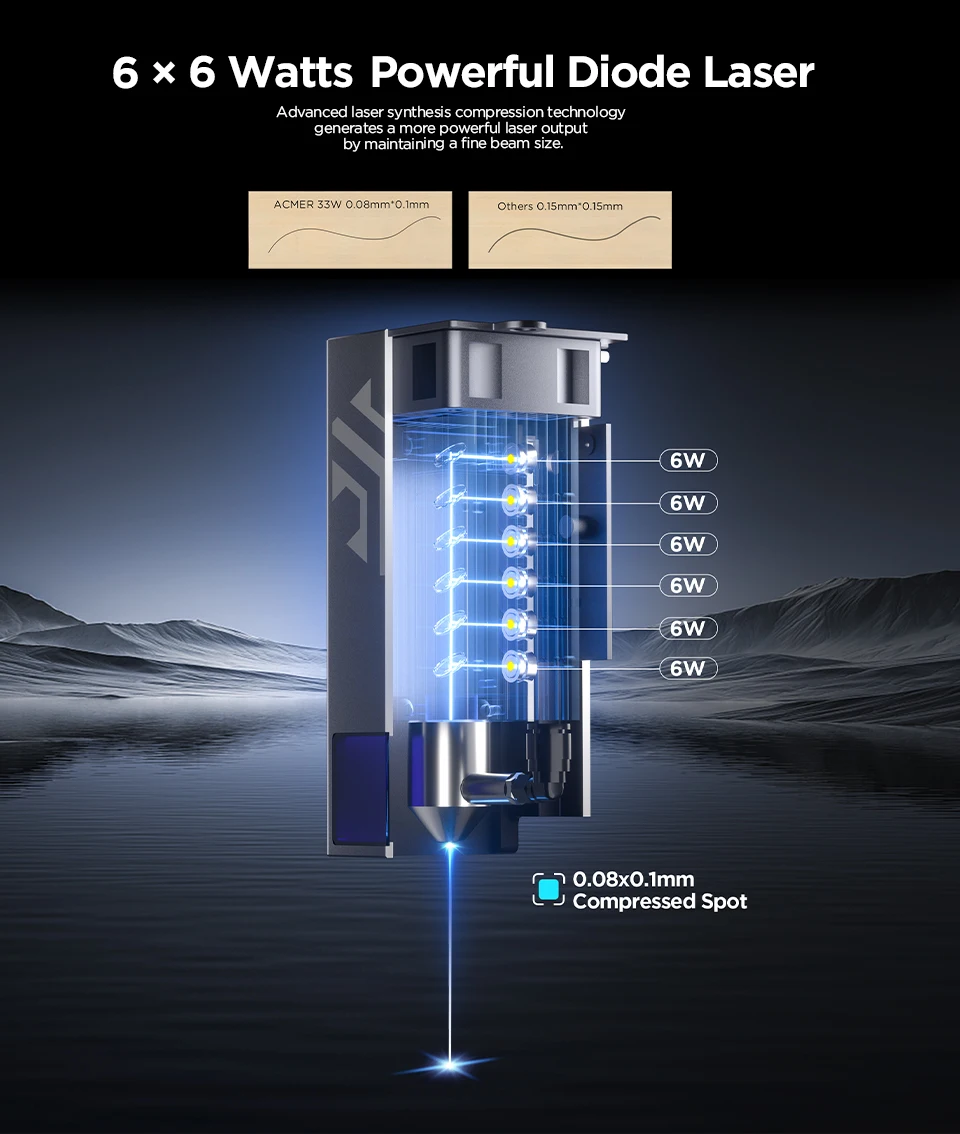
Laser output power: 33000mW
Model Number: P2
Operating Temperature: 0-60°C
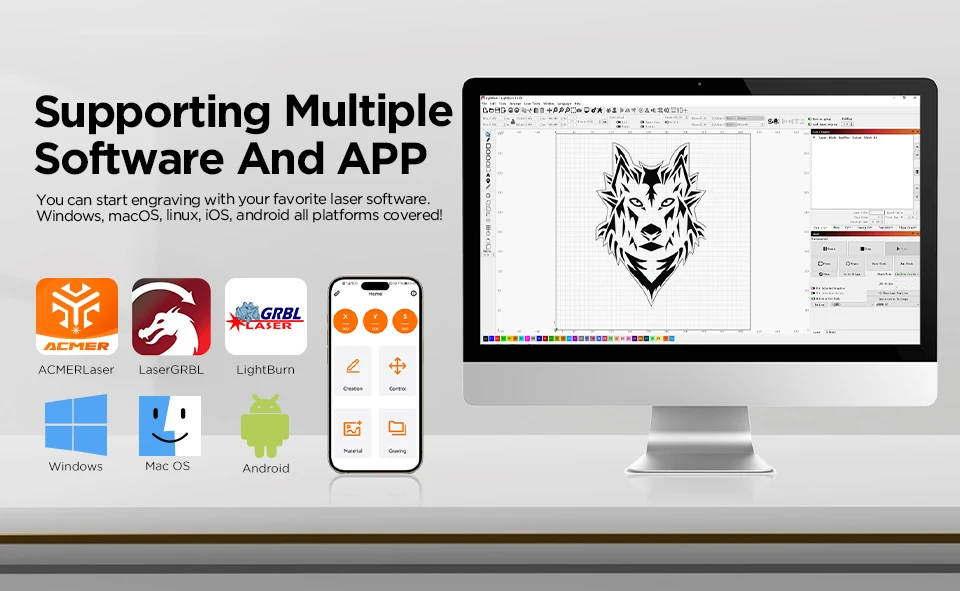
Support Software: LightBurn / LaserGRBL / ACMER APP
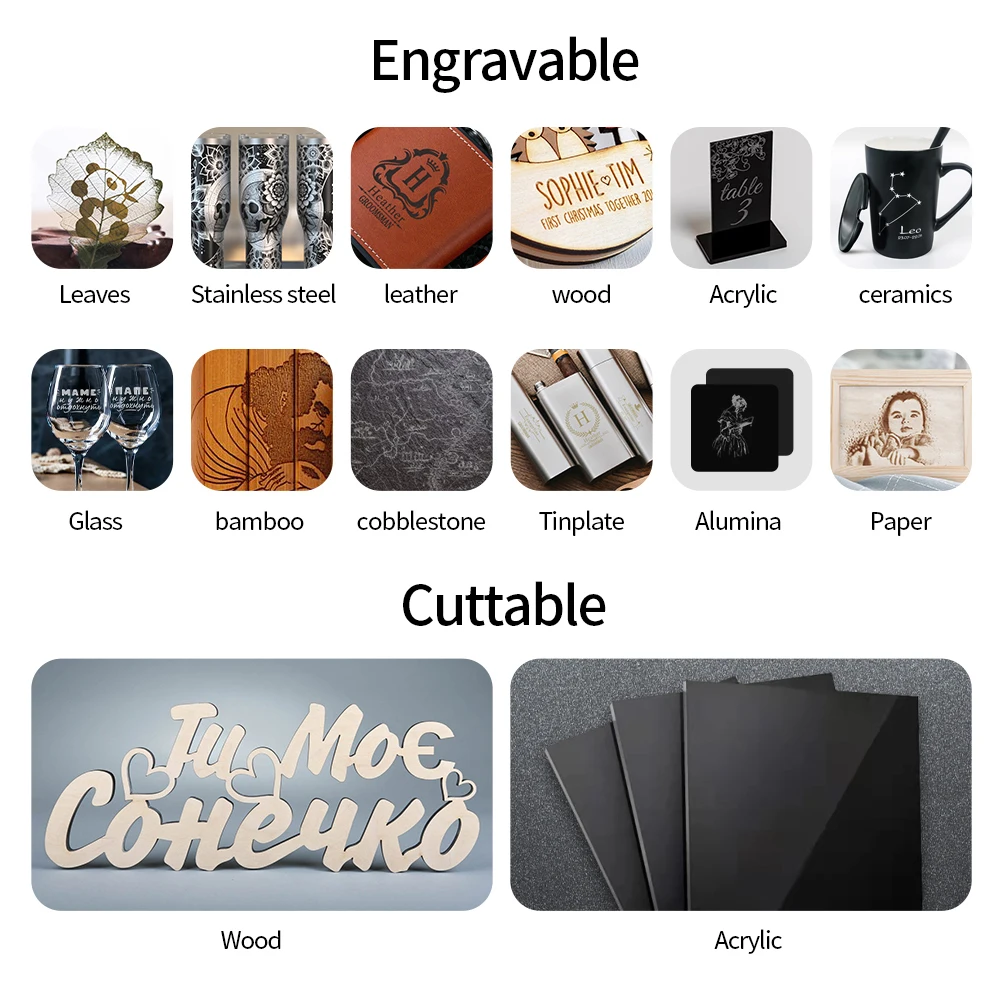
Support cutting: Plywood, Acrylic, MDF, Paulownia Wood
Support engraving: Wood, Bamboo, Paper, Plastic, Leather, PCB board, Aluminium Oxide, Non-Reflective Coating and Lacquered Metal,Ceramic
Supported file format: NC, DXF, BMP, JPG, PNG, etc.
Supported operating systems: macOS, Windows, Linux, Android, iOS
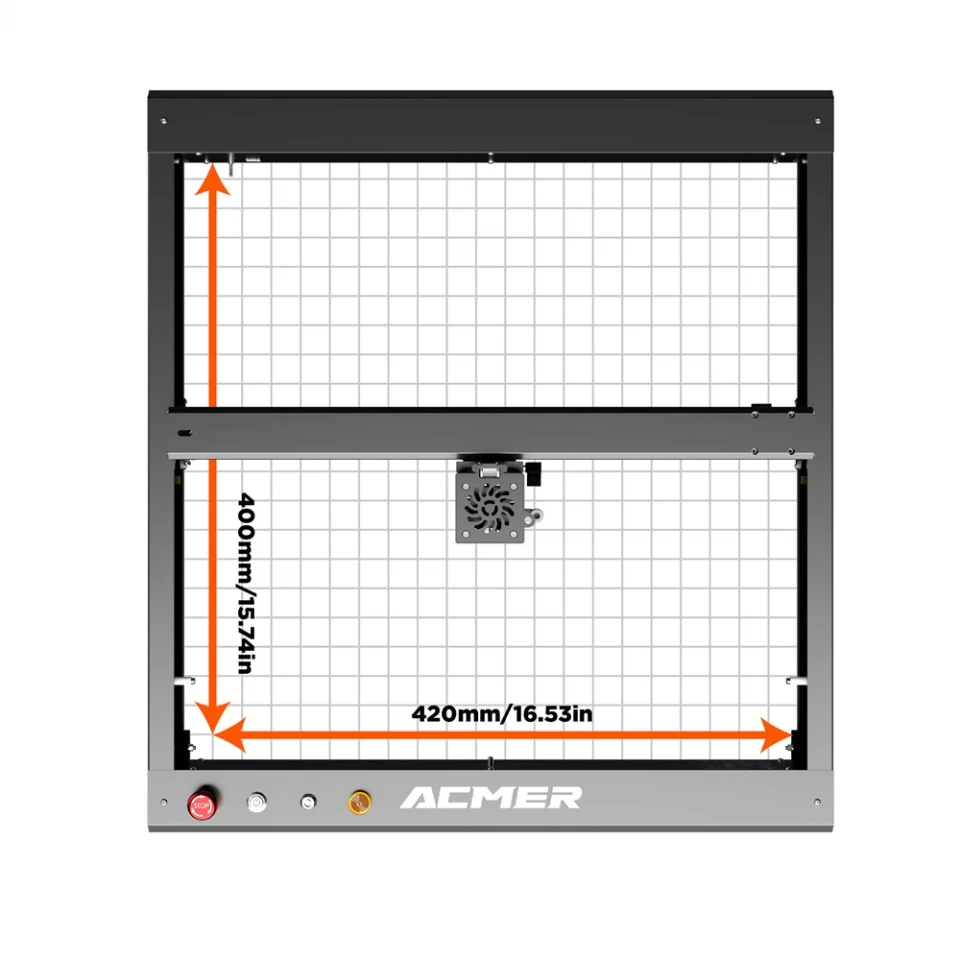
Working area size: 420*400mm
Laser Type : Diode laser
Laser Power : 33W
Machine Power : 120W
Laser Wavelength : 455±5nm
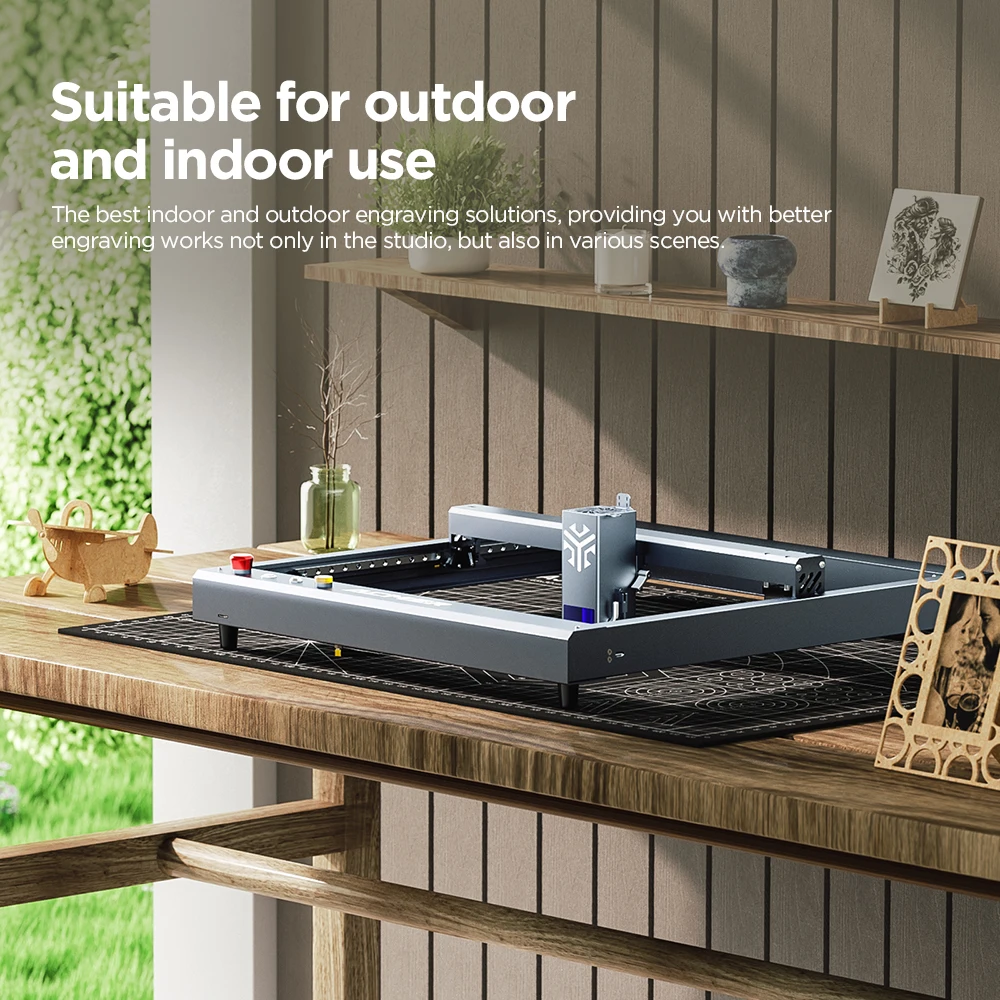
Function : WIFI/Anti-tilt device/30L Air Assist/Emergency Stop Switch/ Child Safety Lock
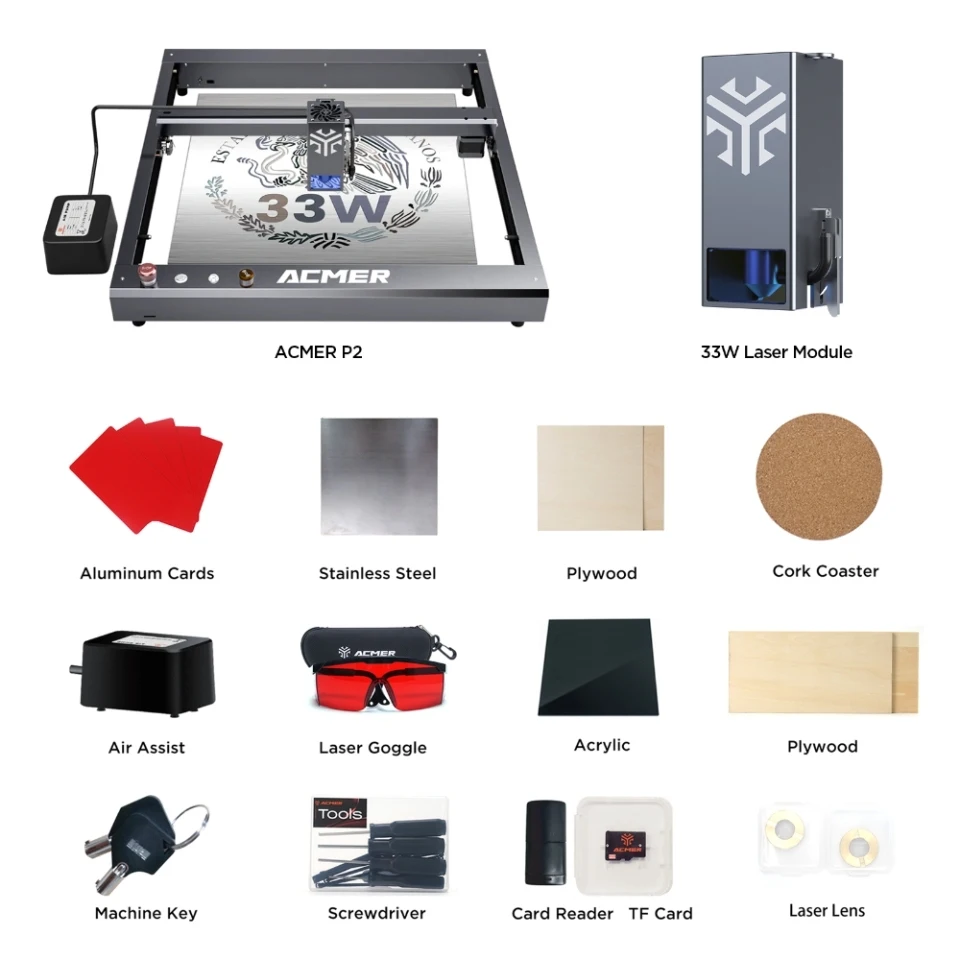
Compatible Laser Heads : 10W/20W/33W/IR 2W
Power Supply : 24V-8A
Focal Length : 5mm
Engraving Accuracy : 0.01mm
Laser Module Design Life : 10000 hours
Maximum Engraving Speed : 30,000 mm/min
Working Area Size : 420*400mm
Certification : FCC/CE/RoHS/FDA
Control Software : LightBurn/LaserGRBL/ACMER App(Android) / MKS(iOS)
File Format Supported : JPG, SVG, PNG, BMP, G-code, CAD, AI, CDR, DWG, etc.
If you purchased a package that includes Lightburn: To make it easier for you to receive your Lightburn license, please contact store customer service after placing your order and provide your email address to receive an email with your GCODE license.
Note: This link has different options. You may need a laser engraving machine, but you might accidentally select honeycomb panels, so please confirm that the option you choose is the product you need.


FAQ
Q1: Why is engraving unclear or missing?
1.Check parameters: Ensure power/speed match the official settings.
2.Clean laser lens: Use lint-free cloth + alcohol.
3.Laser issues: If settings are correct, contact support.
Q2: How to fix poor engraving/cutting?
1.Adjust focus: Calibrate laser focus on material surface.
2.Update settings: Follow the official parameter table.
3.Material fixes:
Clean surface.
Avoid reflective/flammable materials.
Replace overly thick/hard materials.
Q3: Engraver won't connect to computer?
1.Install CH340 driver (download from official site).
2.Select correct COM port (e.g., COM3/COM4).
3.Close conflicting software using the port.
Q4: Can't connect phone to engraver's WiFi?
1.Verify IP/WiFi: Check IP matches engraver's network.
2.Connect manually to the device's hotspot.
3.Enable GPS (required on some phones).